
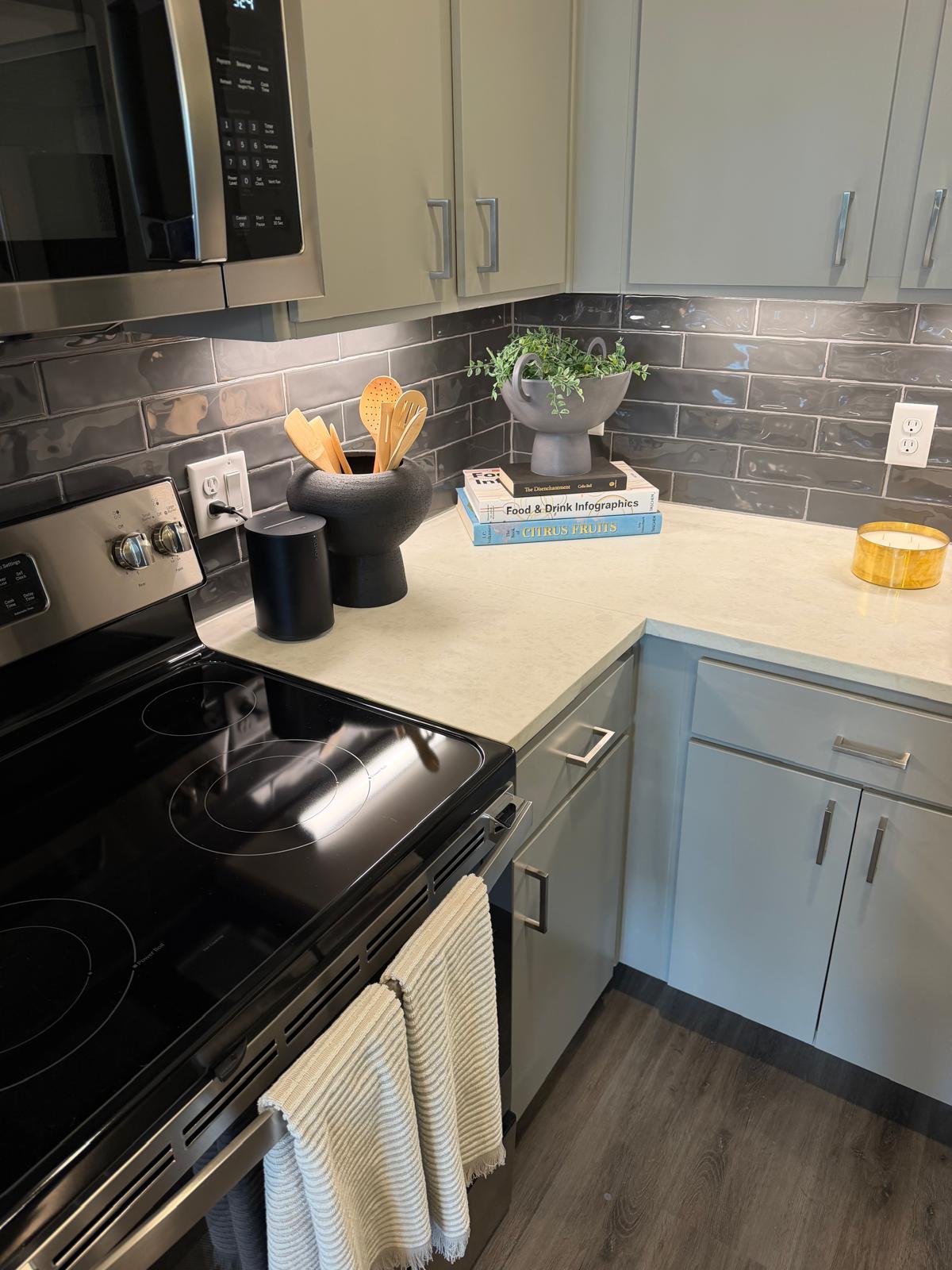
The Anderson wasn’t just wired for internet — it was wired for Sonos. Multi-room audio is one of the most network-sensitive things you can put in a home, so the property’s network was designed from the start to make speakers like these group, sync, and simply work.
Sonos in every room
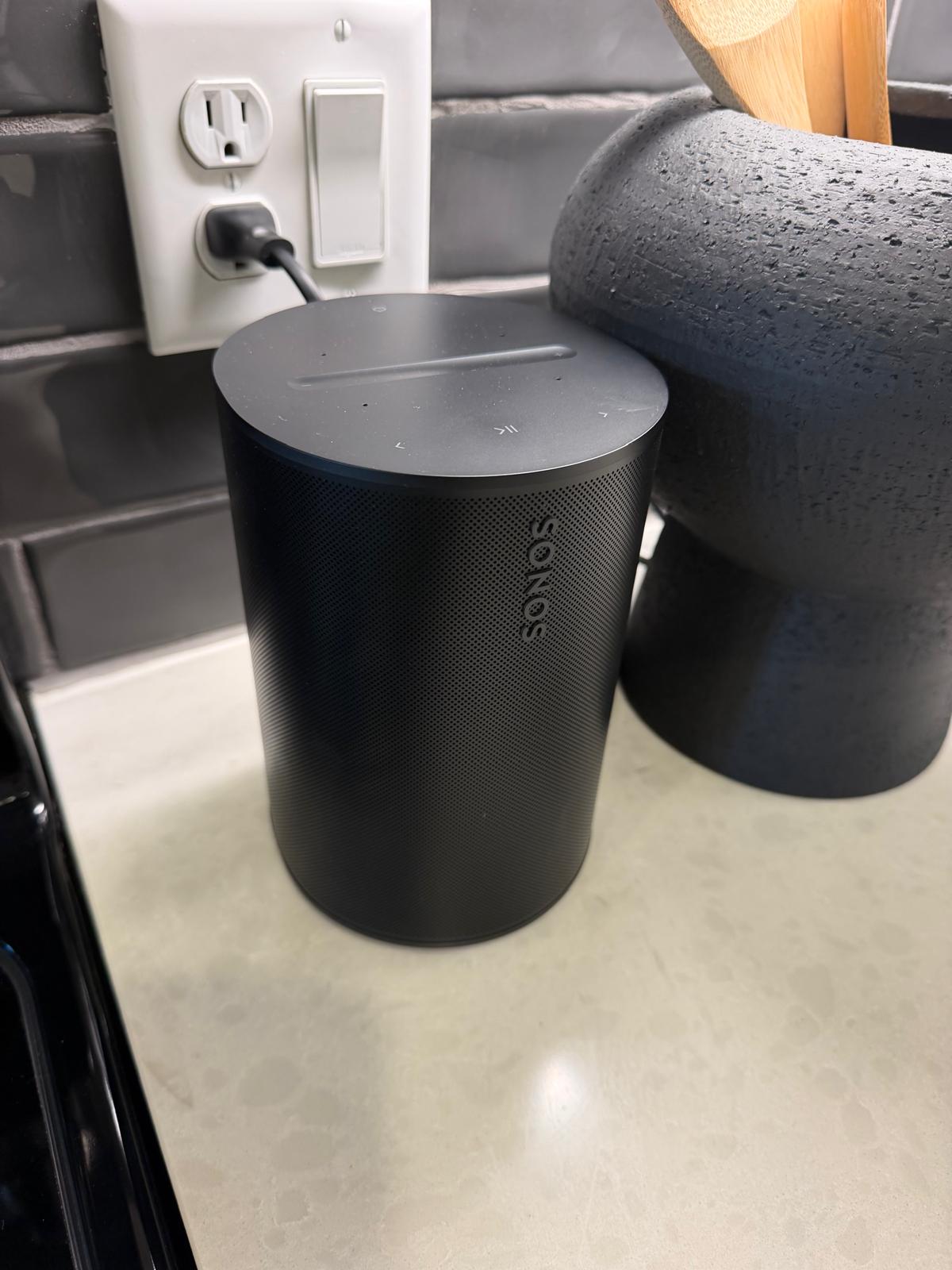
Put a Sonos in the kitchen, one on the nightstand, a soundbar at the TV — and with a tap in the Sonos app they play in perfect sync, or different songs in different rooms. That whole-home experience only holds together if the network underneath it is built for it.
Why Sonos is picky about networks
Sonos finds and controls speakers with local discovery: your phone and speakers constantly announce themselves to each other on the local network. If that network puts every device in its own bubble — which most shared apartment wifi does for security — the app can’t see the speakers, groups fall apart, and playback drops. Great for a coffee shop; terrible for Sonos.
Designed with Sonos in mind
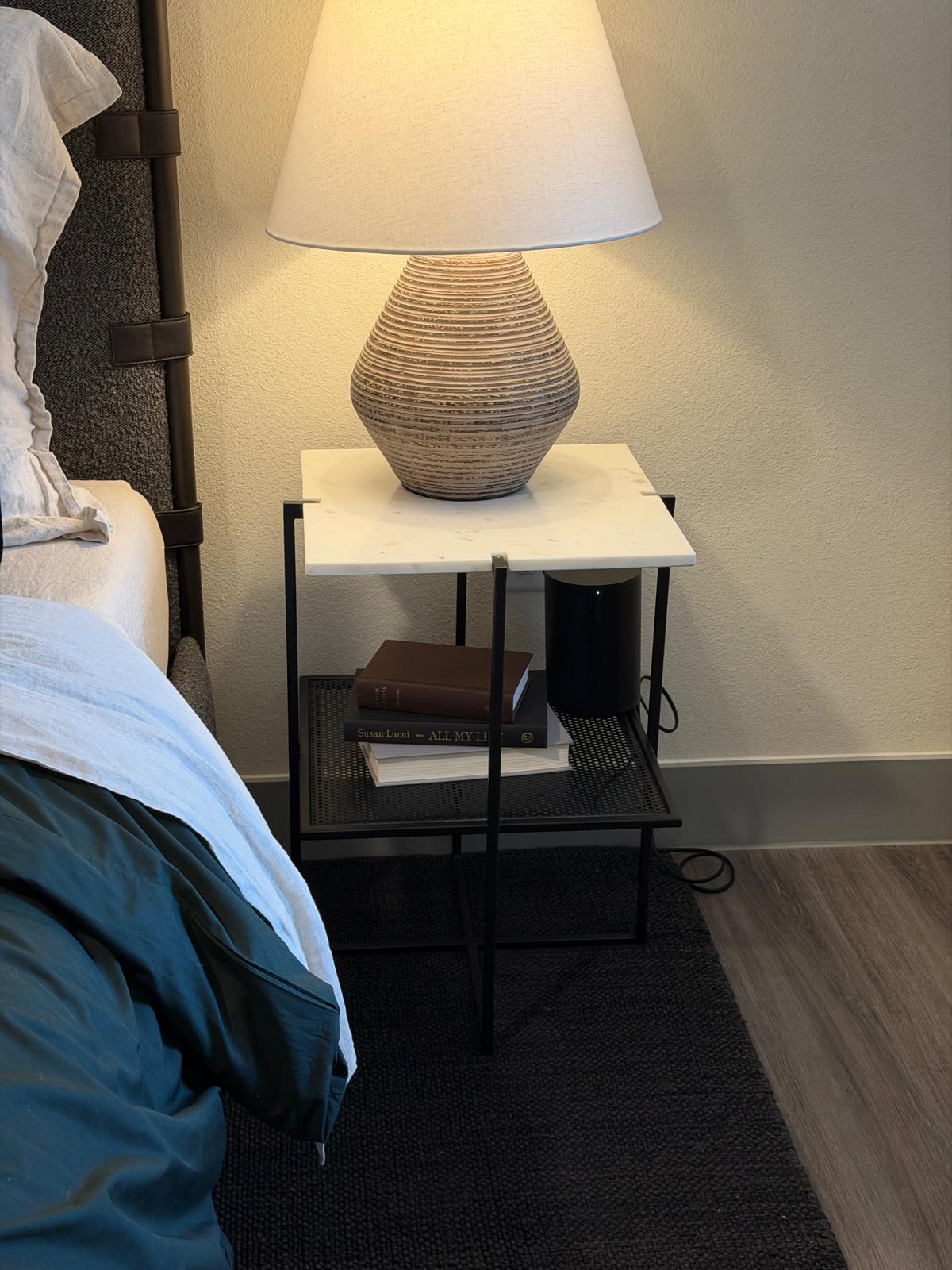
Every home at The Anderson gets its own private network with wired and wireless bridged together. That means a Sonos on wifi in the bedroom, a Sonos wired into the media panel in the living room, and your phone are all on one network only you can see — exactly the condition Sonos needs. Strong wifi on both 2.4 and 5 GHz reaches every corner, and the wired option gives your main speaker a rock-solid, lag-free anchor.
Private, and yours alone
Because it’s your private, WPA-encrypted network, your speakers are invisible to neighbors — nobody else can see them, control them, or hear what’s playing. Multi-room audio that’s effortless and private.
More than music: every shared device benefits
The same network that makes Sonos effortless makes the rest of your connected home just work — they all rely on the same local discovery:
- Chromecast, Google Cast, and AirPlay targets show up right away — cast from your phone to the TV or a speaker with a tap.
- Smart-home hubs (Hue, HomeKit, SmartThings) and printers are discovered automatically.
- Game consoles and media players see each other for local streaming and screen sharing.
Setting up your Sonos
- Join your unit’s private wifi — not the property-wide Residents network, where devices are intentionally isolated and won’t group.
- Hardwire your main speaker or soundbar into an Ethernet drop or the media panel for the most reliable playback.
- Group your rooms in the Sonos app and you’re set — the network does the rest.
- Older gear is fine — both 2.4 and 5 GHz are broadcast, so vintage speakers and older IoT devices connect without a fuss.
Questions? On-site support and your resident portal can help you get grouped and playing.