
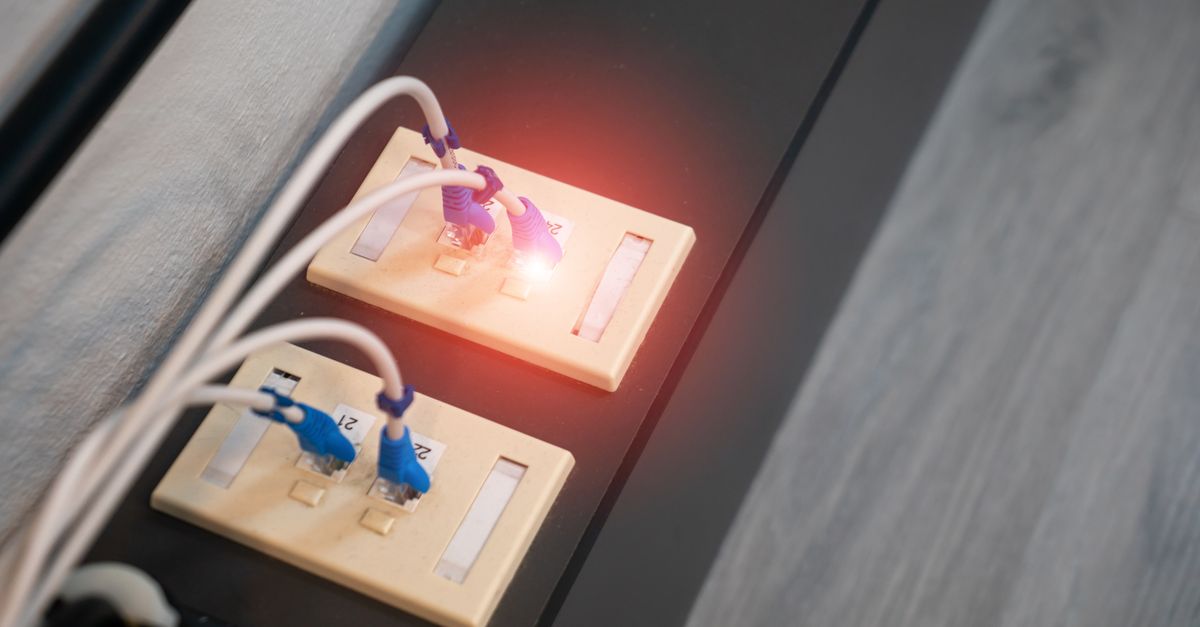
Your home at The Anderson isn't just wifi. Every unit comes with two ways to connect that share one private network: a 10‑gig wired port and your own private WiFi 6 SSID. Plug in or connect wirelessly — either way you're on the same network, and it's yours alone.
How it works
The wired port in your unit and your private wifi are bridged onto a single private network for your home. A laptop on wifi, a TV plugged into the wall, and a console on a cable all land on the same network — so they can see and talk to each other, while staying isolated from your neighbors.
- The wired port is a true 10‑gig (multigig) connection — the fastest, most stable link. With a 10‑gig network card and a fast test server we've seen up to ~9 Gbps: ideal for a desk, a workstation, or a gaming rig.
- Your private SSID is the wifi side of that same network — a WiFi 6 access point built into your unit that reaches about 930 Mbps symmetrical, for phones, tablets, and everything that moves.
Why this setup is better
- 10‑gig wired speed and WiFi 6 freedom. Hardwire the things that sit still; use wifi for everything you carry — no compromise.
- Everything on one network. Casting to a wired TV, printing from a laptop, or streaming to a console just works — no setup.
- Private and secure. Isolated to your unit and encrypted; neighbors can't see your devices.
- Nothing to buy or install. No modem, no router, no cables to run — the port and your SSID are your home network, live before you move in.
Plug your desktop, TV, or console into the 10‑gig port for the fastest connection, and let phones and laptops roam on WiFi 6. Curious how this compares to the building‑wide option? See shared vs. private networks.