
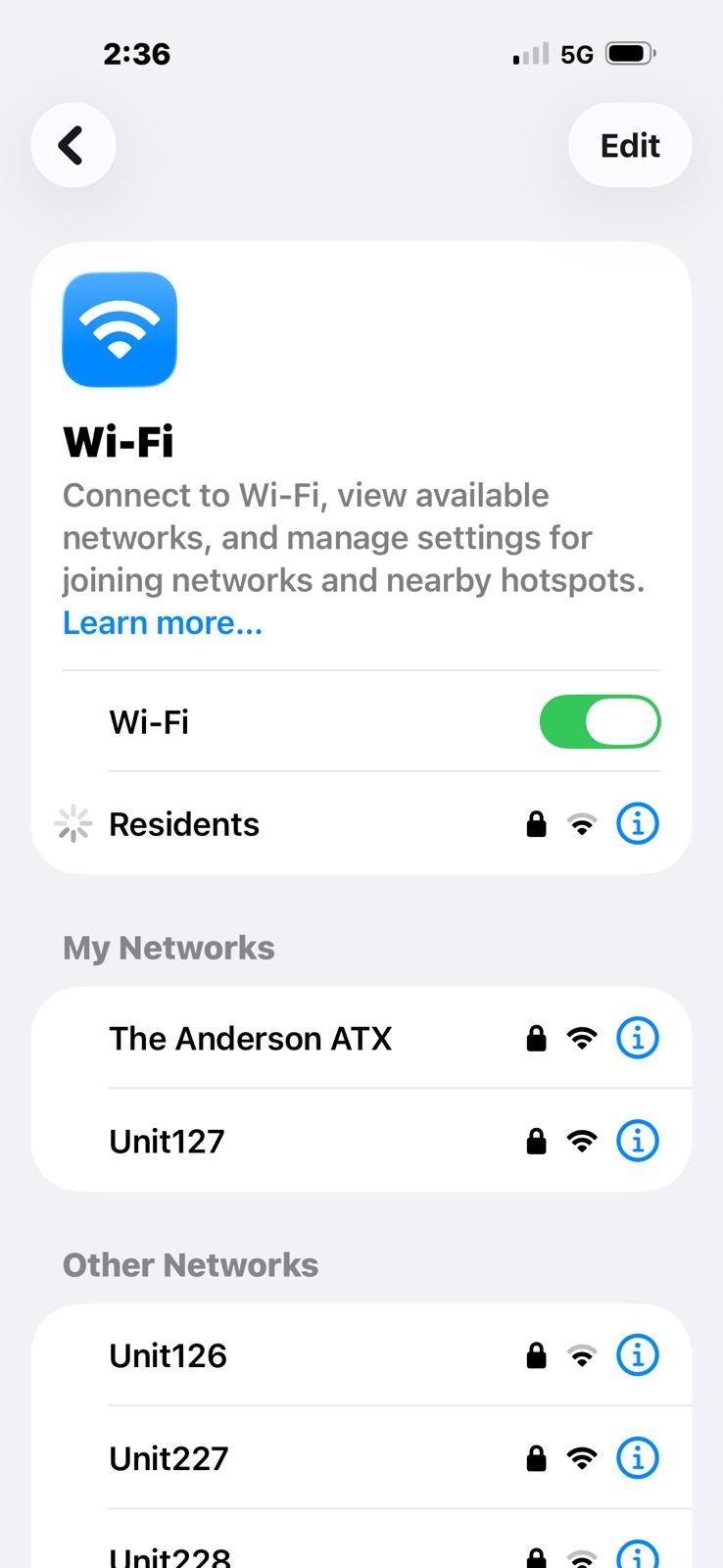
Your home at The Anderson comes with two ways to get online: the property-wide Residents network and your unit's private network. Both run on the same gigabit fiber — here's what each is best for, and when to use which.
The Residents network — shared, and everywhere
The Residents network is the building-wide wifi. Sign in once with the password from your resident portal and it follows you across the whole property — the lobby, the pool deck, the gym, and the coworking lounge.
Best for: staying connected while you move around. Answering email from the lounge, streaming by the pool, taking a call in the lobby, or hopping on quickly with a phone or laptop you carry with you. Every device is isolated from the others, so it's a safe way to use shared space.
Your private network — just yours, at home
Inside your unit you get your own private, WPA-encrypted network — not shared with anyone. Your devices live together on a network only you can see, so your neighbors can't reach them and your traffic stays yours.
Best for: everything in your home — smart TVs, streaming boxes, printers, doorbells and smart-home gadgets, gaming consoles, and working from home. Because your devices share one private network, casting and printing just work, even in a 300-unit building. You can rename it, rotate the password, or add a guest network anytime from the portal.
Side by side
| Residents (shared) | Your private network | |
|---|---|---|
| Where it reaches | Everywhere on property — units & amenities | Inside your home |
| Best for | Roaming the pool, gym, lounge & lobby; phones and laptops on the go | TVs, smart home, printers, gaming, working from home |
| Privacy | Shared space — every device is isolated from the others | Fully private & WPA-encrypted; neighbors can't see you |
| Devices see each other | No — each device is on its own | Yes — casting & printing just work |
| Password | One portal login, works property-wide | Your unit's own — rename or rotate anytime |
The short version
Use your private network at home for the best speed, privacy, and smart-home experience. Hop on the Residents network when you're out enjoying the amenities and want to stay connected. Same fast fiber behind both — just pick the one that fits where you are.