
Tucked into your unit is a media panel — a small structured‑wiring enclosure that acts as the hub of your home network. It's where your connection lands, and it's built to give you options.
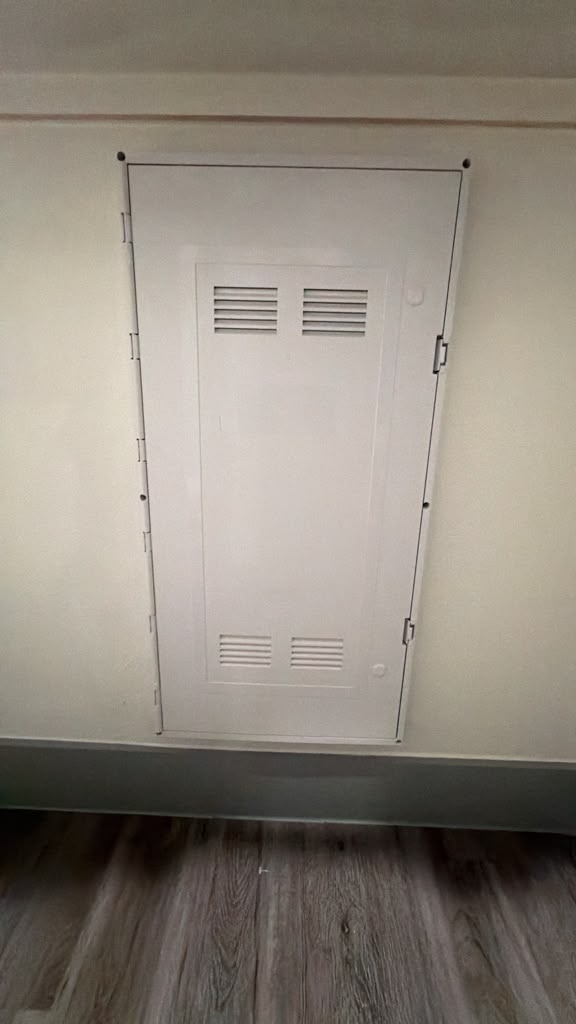
What's in the panel
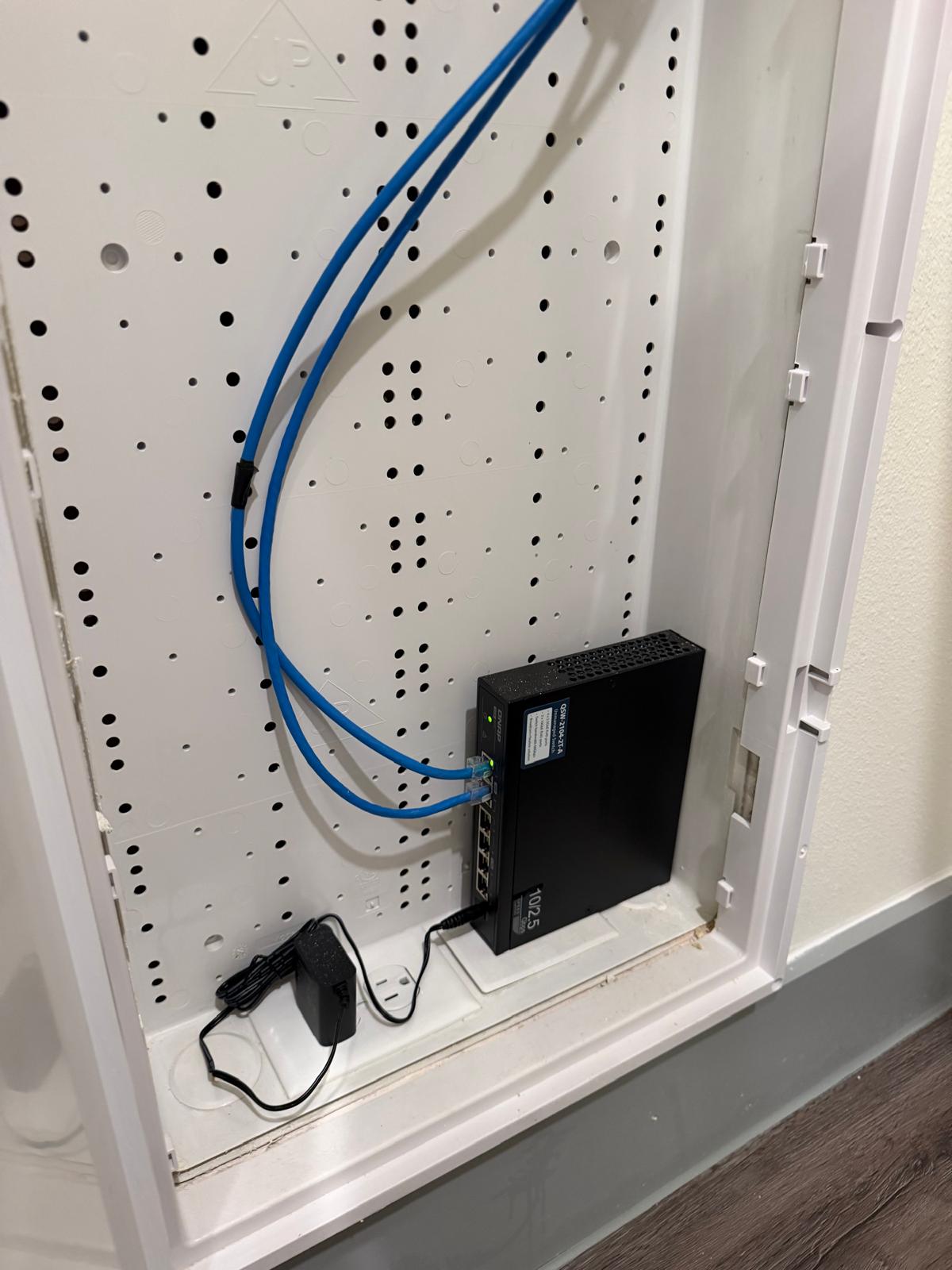
- A true 10‑gig (multigig) Ethernet drop. Your connection terminates here on a full 10 Gbps port — with a 10‑gig network card and a fast test server we've measured up to ~9 Gbps, so the panel is never the bottleneck.
- Power on‑site. A power outlet right in the panel, so a switch, router, or small NAS has a place to plug in and live out of sight.
- A cross‑connect to the main TV wall. A dedicated cable runs from the panel to the outlet at your main TV location, so you can hardwire right where your TV, streaming box, or console lives.
Two ways to use it
Keep it simple. Use the built‑in RJ45 coupling to join the incoming drop straight to the TV‑wall run — a clean, wired connection at your TV with zero extra equipment.
Or make it yours. The panel is a blank canvas: plug in your own switch to feed several wired outlets, add a router, or drop in a NAS or home‑lab box. The power and the 10‑gig feed are already there.
Why it's a big deal
- 10‑gig headroom. A true multigig port means the wiring in your walls is ready for years of faster devices.
- A real wired path to your TV. The cross‑connect means your entertainment setup can be hardwired for the most reliable 4K streaming and lowest‑latency gaming.
- Flexibility. Hands‑off and simple, or fully custom — your call.
- Clean and hidden. All your networking lives neatly in the panel instead of a tangle in the living room.
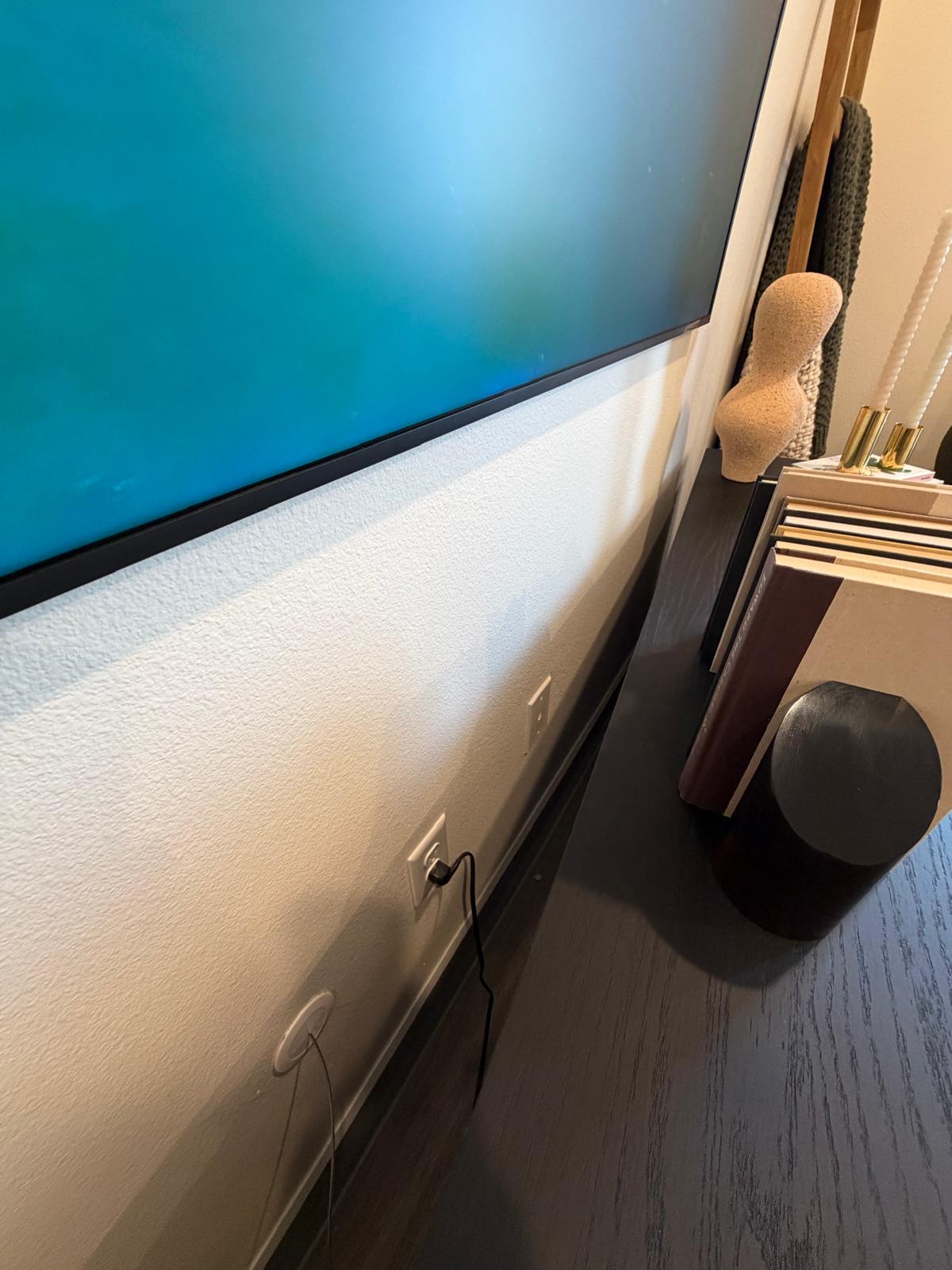
The wired drop below your TV
That cross-connect ends at a wired outlet right below your main TV (shown here). Run a short cable from that jack to your TV, soundbar, streaming box, or console and it’s hardwired straight back to the panel — the most reliable path for 4K streaming and low-latency gaming, with no wifi in between. An in-wall pass-through keeps the cable tidy and out of sight.
Pair the panel with your unit's private wired‑and‑wireless network and the ceiling access point. Questions? Your resident portal and on‑site support have you covered.