
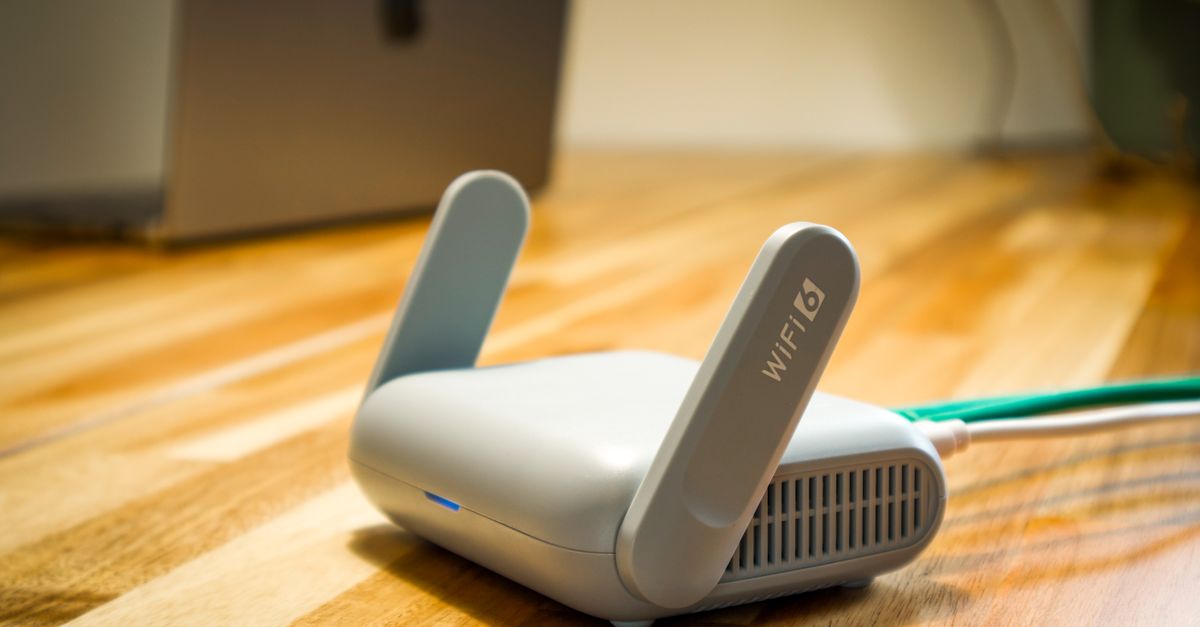
The network name and password you get on day one are just defaults. You own your wifi — make it yours.
From the resident portal you can
- Rename your network to whatever you like.
- Rotate your password anytime — handy after guests visit.
- Add a guest network so visitors get online without your main password.
Changes take effect in a few seconds. Your devices may need to reconnect once after a rename — that's expected.