
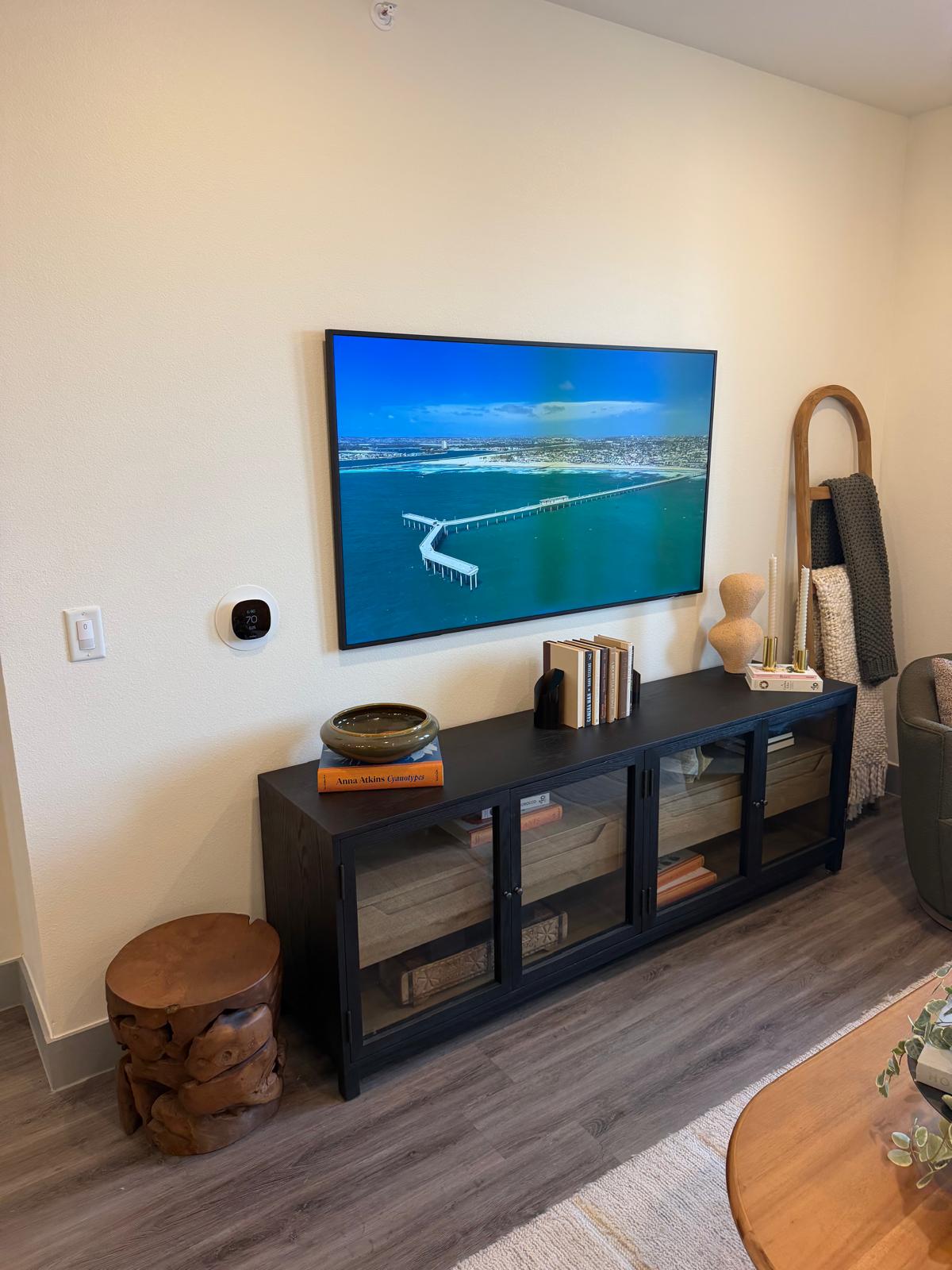
In a lot of apartment buildings, smart devices are a nightmare — everyone's on one big shared network, so casting to your own TV becomes a guessing game. Not here.
Your own private network
Every device you join goes onto your unit's private, isolated network. Your Chromecast, printer, doorbell, and smart plugs all see each other and just work — and nobody else on the property can see them.
Which network should you choose?
For anything that lives in your home — smart TVs, streaming sticks, speakers, plugs, printers, cameras, thermostats — join your unit’s private network (the one under “My Networks,” named something like Unit 127), not the shared Residents network. Here’s why it matters:
- Your unit’s private network lets your devices see each other — so casting from your phone to the TV, grouping speakers, and app setup all just work. Put your phone and your smart gear on this same network.
- The Residents network keeps every device isolated from every other for security. That’s great for phones and laptops as you move around the property, but the isolation blocks casting and device-to-device features, so it’s not the one for smart-home gear.
Rule of thumb: if two devices need to talk to each other, put them both on your unit’s private network. Not sure which is which? See Shared vs. private: which network to use.
Tips for smart devices
- Join smart-home gear to the same unit wifi as your phone so casting and app setup work.
- Some older IoT devices only support 2.4 GHz — our network broadcasts both bands automatically, so they'll connect fine.
- Setting up a lot of devices? The resident portal lets you add a dedicated device network in a couple taps.